Start with the game you remember
Coming back to GTA after years away can bring a useful mixture of familiarity and surprise. You may remember a radio station, a shortcut across a city or the friend who first handed you a controller. Those memories can explain why the new game interests you, while leaving space for it to introduce its own rules.
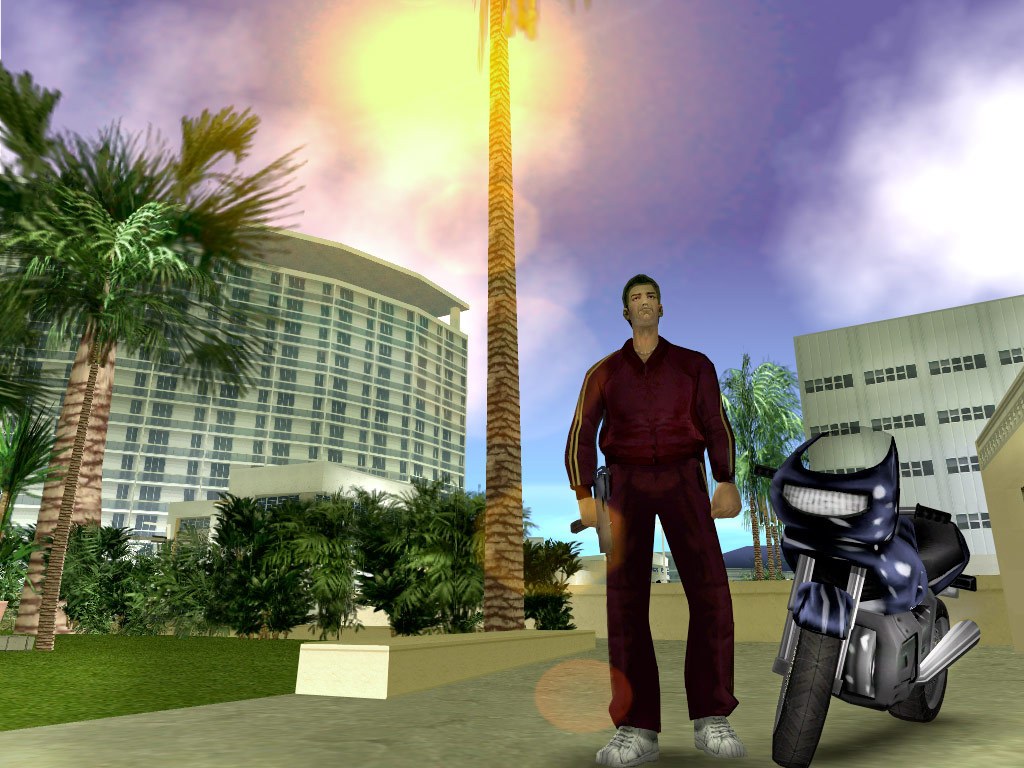
Write down which game and version you last played. A memory of Vice City on PlayStation 2 gives you a different starting point from GTA V on a newer console. Your old control habits, expectations about saving and understanding of online features may all come from that particular release.
This guide is prepared on November 10, 2026, before Rockstar's listed November 19 GTA 6 launch. We haven't tested the finished game. It is a return-to-play checklist, with questions to verify through the released version and official support. It avoids assuming that a familiar series name guarantees familiar technical requirements.
Let Vice City be familiar without expecting an identical map
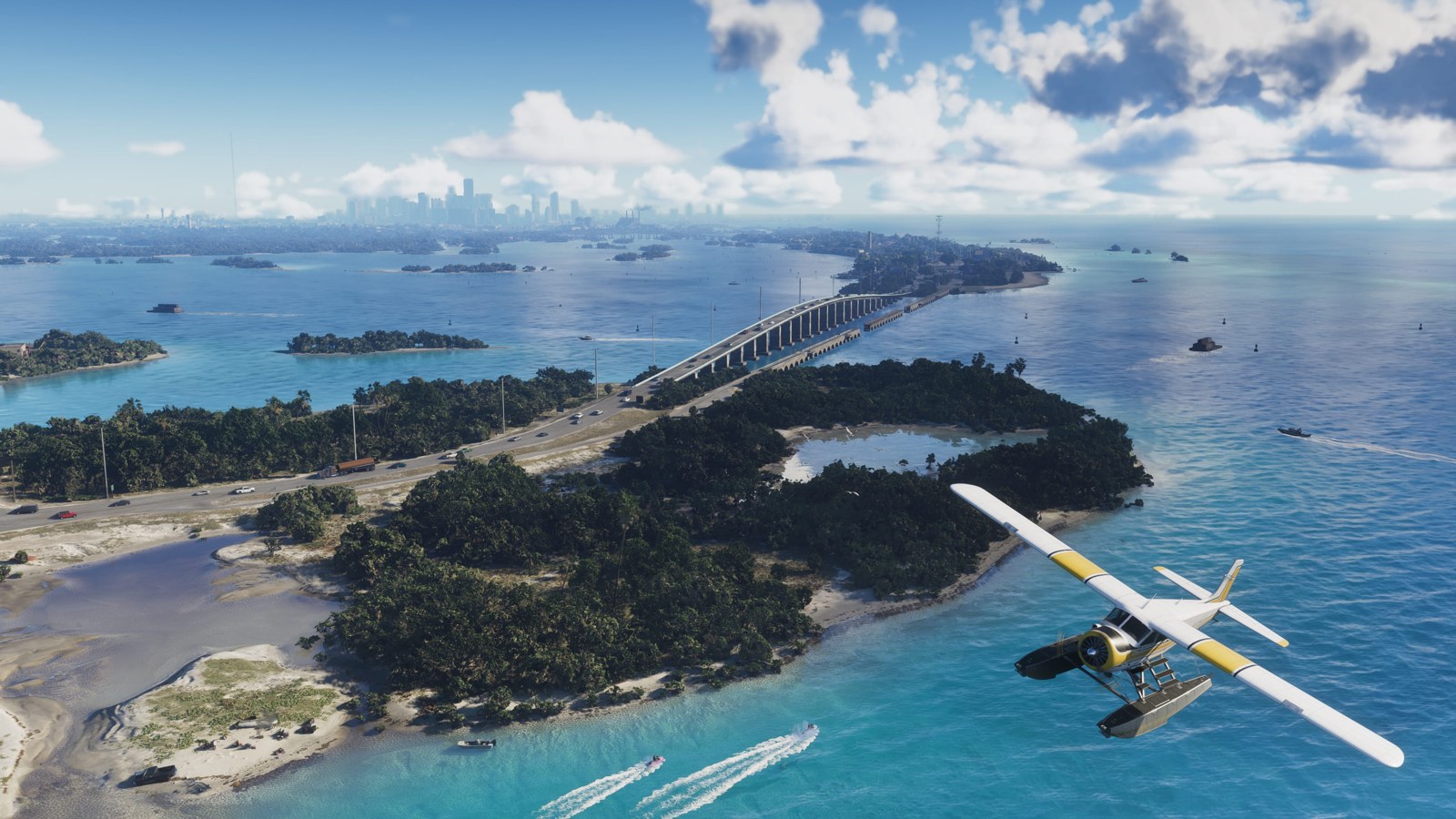
Rockstar places GTA 6 in Vice City and the surrounding state of Leonida, with Jason and Lucia at the center of its story. Returning players can recognize the city name while treating this presentation as a new setting to learn. A name shared with an older entry doesn't prove that every road, building or route is preserved.
If you want to revisit the older city first, do it as a separate experience. Choose the version carefully and check current information about the edition you can buy. An older game can refresh the mood you remember, but it shouldn't become an assignment that delays the game you wanted to try.
During your first sessions with a new world, give landmarks time to become useful. You can learn one neighborhood or route at a time through whatever exploration the game permits. Avoid judging your progress against a map you memorized decades ago. Familiarity with the new setting develops through your own play.
Rebuild control habits in smaller pieces
Your hands may remember controls that the current game doesn't use. Treat that as a normal part of returning. Learn movement, camera control and navigation before expecting every action to feel automatic. A controller can also feel different after years with another device or no gaming at all.
Use the game's verified control reference and check which actions can be reassigned. A console-level button change may help with a physical preference, while an in-game option may offer a different result. Read the descriptions before combining changes, and keep a note of what you adjusted.
If an action keeps causing trouble, practice that action on its own where the game allows. You don't need to turn an entire evening into a test of reaction speed. Relearning can be enjoyable when you choose a manageable task and recognize the improvement. Give yourself enough time to build a comfortable pattern before adding more complexity.
Check the hardware you own before planning an upgrade
Identify the exact console model in your home, including whether it accepts the physical format you plan to buy. Product names and console generations can be easy to confuse after time away. Use the current official platform list and the retailer's compatibility information for the edition you choose.
If a new console is required, budget for the full purchase and list the other uses that would make it worthwhile. Include essential accessories, taxes and the game. Keep optional upgrades separate so you can see whether each one solves a problem you expect to have.
Wait for measured version comparisons if performance is central to your choice. A promotional trailer doesn't establish every console's behavior throughout the released game. Look for testing that identifies hardware, settings and the situations measured. You'll be able to make a better upgrade decision when the claimed benefit is something that matters in your own setup.
Get the account and purchase basics organized
A return to gaming can involve accounts you haven't used in years. Recover access through official channels before launch evening, and verify the email address attached to your purchases. Use a unique password and the platform's available account protection. Keep recovery information somewhere you can access securely.
Avoid paying someone who promises to restore an account through a private message. Account recovery belongs with the service that operates the account. If you have an order number or old receipt, keep it ready for the official process and share it only through the relevant support flow.
Check which account will own a new digital purchase, especially on a household console. An account used by a former roommate or relative can create confusion later. Buy through the account you intend to keep, verify the edition and region, and save the confirmation. A little organization now can prevent a future evening disappearing into purchase history.
Review how you want to handle connected features
You may remember GTA as a game played entirely alone. Other returning players may associate it with years of online sessions. Identify what you want this time before building your purchase around assumptions about either experience. A story interest and a desire to reconnect with friends can lead to different decisions.
Check the published requirements for each activity you intend to use, including any account, service or connection requirements. Solo play and disconnected access need separate verification. A story-focused trailer doesn't settle whether a particular digital installation can launch without an internet connection.
If friends are encouraging you to join them, ask what they plan to play and on which platform. Wait for confirmed compatibility and multiplayer information before spending on their behalf. You can still share discussion and discoveries when your play arrangements differ. A useful return to gaming should fit your household and your available time.
Read settings through your current needs
The display, sound and control setup that suited you years ago may feel different today. Test text readability from your usual seat. Check whether you can distinguish important sounds and whether holding or repeating inputs causes discomfort. These are practical details to assess before a long evening.
Your console may offer tools such as zoom, display adjustments and controller customization. Sony documents these on its PS5 accessibility support page. Their usefulness depends on the task and the way a game presents information, so check the game itself alongside the console settings.
Seek accessibility coverage that tests the needs you have. A list of menu options can help, but it won't show whether a required sequence remains difficult. If you need a particular accommodation, treat it as a buying requirement. Waiting for a clear answer can save you a purchase that leaves you unable to enjoy the part that interested you.
Use history to understand change without assuming features
Older entries can show how much the series has changed across hardware and design eras. Rockstar's GTA V manual describes three protagonists and character switching during certain missions. The manual is a useful record of that game's design, while GTA 6 needs its own documentation and testing.
When a video compares the new game with an older one, check which versions are being compared. A remaster, a modded PC installation and an original console release may present different visuals or behavior. A careful comparison names those conditions so you can understand what you are seeing.
You can enjoy the comparison while keeping your expectations open. A favorite feature from an older entry may matter strongly to you, and its presence or absence can affect your buying decision. Wait for evidence about that feature. A community wish list can be entertaining, but it doesn't establish the released game's design.
Protect the discoveries you want to make yourself
Returning players may have a particular story connection they want preserved. Tell friends whether you want only technical help or whether you welcome broader discussion. A precise boundary makes it easier for someone to help without revealing the event you were hoping to reach alone.
Manage the pages and videos you follow during the release period. Thumbnails, comment sections and recommendation feeds can reveal more than an article's opening paragraph. You can keep a small collection of spoiler-light references and use them when a control or setting causes trouble.
If you are progressing slowly, keep a brief session note. Record your current objective and one thing you want to do next. Avoid filling that note with copied plot summaries. A simple reminder can help you re-enter the experience after a week away while leaving the next discovery intact. Your pace can be different from the pace of online discussion.
Spend according to the player you are now
The edition that appeals to a collector may provide little extra value to someone who wants a few quiet story sessions. Read the included items, assign value only to the ones you expect to use and compare the total with your budget. You can make a future purchase later if your interests expand.
Read refund and return conditions before downloading or opening the product. Store rules can depend on format, timing and whether content has been downloaded. Keep receipts and order confirmations. If the purchase involves a gift or shared console, settle the account and ownership arrangement first.
You can also wait for a later point in the game's life. More detailed guides and testing may make the decision simpler. Choose launch timing because it fits your interest and circumstances, without making it a test of how devoted a fan you remain. Your relationship with a series can continue at a pace that works today.
Check old advice against the version you will play
Search results can place a years-old guide beside a new article without making the age obvious. Open the page and identify the game, platform, publication date and any update note. Instructions for a PC launcher or an earlier console edition may be irrelevant to the purchase you are making today.
Keep your own memories in that same context. A cheat code, save habit or mission shortcut that worked in an older game can remain a good memory without becoming an expectation for the new one. Wait for verified instructions before trying an unfamiliar account tool or a downloaded workaround.
If you revisit an old save, make a separate plan for that game and check its support information. Be careful with deletion prompts and cloud-save conflicts. Read the platform's explanation before replacing data you might want to keep. A nostalgic evening can become stressful when an irreversible action is taken simply to get past a menu quickly.
You can also sort your reference material into two small collections: one for the game you are revisiting and one for GTA 6. That keeps old instructions useful while reducing confusion. Each collection can contain official support, a clear controls guide and a spoiler boundary you want to preserve. A little preparation lets you spend the evening playing instead of untangling which advice belongs to which release.
Use one familiar habit as a bridge
Choose a small habit you enjoyed in your earlier GTA sessions, such as following a road to see where it leads or listening to a station during a journey. Once the released game permits an equivalent activity, you can use that interest as a comfortable starting point while learning the new controls.
Keep the comparison narrow. Your enjoyment of a quiet drive can carry forward even when the road, vehicle behavior and available stations have changed. If the new version doesn't support a feature you remember, record that clearly and decide how much it matters to you. This lets nostalgia help you identify preferences without turning every change into a disappointment. Your return can develop its own routines.
Build a first-week plan you can enjoy
Give your first session room for setup and learning. Choose a second session for following the part that drew you back, whether that becomes story progression or permitted exploration. Leave room to change the plan as you learn what the game asks from you.
Review the arrangement after a few evenings. You may find that a different control option, shorter sessions or a clearer stopping routine improves the experience. A return after years away doesn't need to reproduce the way you played at seventeen or twenty-five. Your free time and priorities can have changed.
Come back with curiosity and a practical checklist. Verify the platform, protect the account, check the requirements and let the finished game show you how it works. You'll give yourself a more comfortable return when the purchase supports your current life and the parts of GTA you still want to explore.
Sources and further reading
- Rockstar Games official GTA VI page ↗
- Grand Theft Auto V official Xbox game manual ↗
- PlayStation Store refund guidance ↗
- PS5 accessibility settings ↗
Source-based reporting and analysis. Research checked November 10, 2026. We haven’t conducted a hands-on GTA 6 review for this feature.