A familiar city needs upkeep
You can return to an older GTA game for the driving, the radio or a street you still remember taking a shortcut through. Getting back there can take more preparation than you expected. Your current computer, monitor and controller may be several generations removed from the equipment the game originally supported. A community fix can help you get past that friction and enjoy the world you came back for.
The people doing that work cover several different jobs. Some investigate crashes and broken behavior. Others improve display support, build tools that load custom scripts, or run multiplayer projects around older games. Their contributions can overlap, but each project has its own purpose and supported versions.
This guide draws on the projects’ published documentation. It covers the classic PC games and GTA IV where specified, with practical advice for choosing a setup. We haven’t tested the combinations discussed here, and the examples don’t establish anything about future GTA 6 mod support.
Fixing the problems that interrupt a playthrough
Normally, you’d expect a familiar single-player game to keep working when you install it again. Changes elsewhere on your computer can expose weaknesses in old software, while bugs that were always present can still interrupt your progress. These are useful places for a targeted community patch to start.
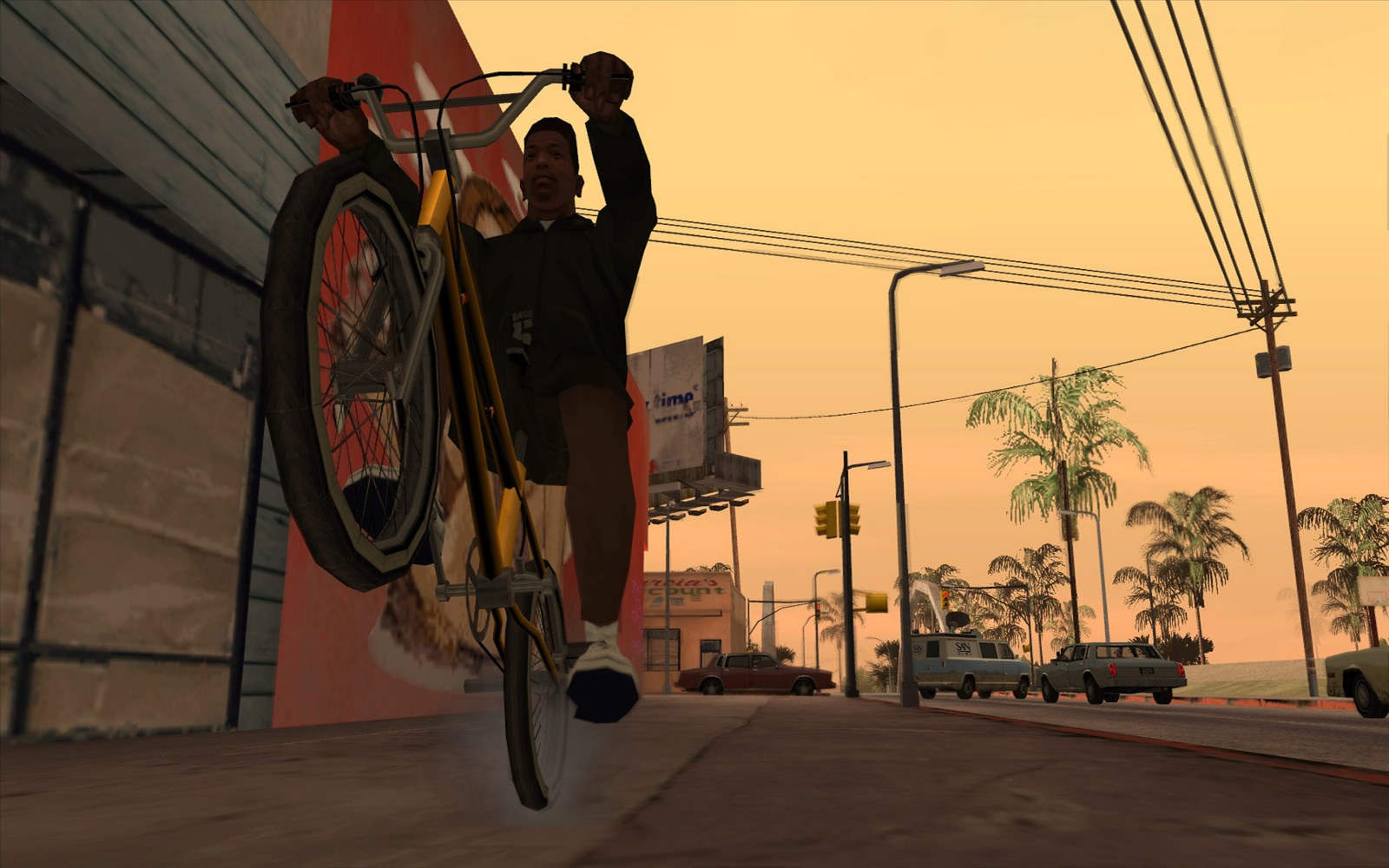
Silent’s documentation describes SilentPatch for classic San Andreas as a collection of fixes covering crashes, compatibility and gameplay problems. Its examples include mouse behavior, a loading freeze around interiors, and the Skimmer failing to spawn on Windows 11 24H2. The project also documents adjustments to the frame limiter. Availability varies by game version.
You’ll get more from that information if you match the patch to a problem you understand. Record what goes wrong, check the supported edition and read the relevant fix description. That gives you a reason to install the patch and a clear way to judge whether it helped.
Keep your first setup modest. A crash fix can be valuable on its own, especially when your goal is to finish a story you already enjoy.
Making an older image comfortable on your screen
The display you use changes how an older game feels. A stretched image, awkward framing or difficult interface can make a short return visit tiring. Improvements in this area can help the game fit your equipment while keeping its familiar visual character.
ThirteenAG’s Widescreen Fixes Pack describes its purpose as improving widescreen support, adding features and fixing bugs across supported PC games. The repository currently lists Windows 10 or 11, or Linux through Proton or Wine, as system requirements. Its installation guidance and game-specific files should be read together.
You’ll want the package for the game you own, followed by the settings that suit your display. Start with a sensible resolution and inspect the menus, driving camera and cutscenes. Watch for content that appears cropped or stretched after changing the aspect ratio.
Visual preferences are personal. You can aim for a comfortable picture without adding a large texture replacement or changing every lighting effect. Save those bigger decisions until you’ve spent time with the basic setup.
Keeping GTA IV adjustable
A useful maintenance project also lets you decide how much to change. You may want a particular camera behavior corrected while keeping the atmosphere you associate with Liberty City. Separate settings make that choice easier.
FusionFix targets GTA IV: The Complete Edition. Its documentation lists controls for effects such as motion blur and depth of field, alongside camera, input and display options. It also records fixes for behavior affected by frame rate. The project identifies The Complete Edition as fully supported and gives separate instructions for legacy versions. Its own multiplayer restriction should be respected.
For your setup, begin with the documented defaults and change one preference at a time. Try a repeatable stretch of driving, a conversation and a menu transition after a change. A small note of what you adjusted will help if you later want to undo it.
You’ll avoid a lot of confusion by following the project’s current instructions instead of combining several years of conflicting video tutorials.
Giving other creators a place to build
Some of the most useful community work becomes the foundation for another person’s idea. A tool that loads extra scripts can let creators add behavior without packaging a whole new version of the game. That makes experiments easier to share and maintain.
CLEO’s documentation describes a system for adding scripts and plugins, with features that can support new missions and other changes. Its requirements page specifies a supported classic San Andreas PC version and an ASI loader. That loader is the component that lets the game start the plugin. CLEO’s instructions also explain where the script files belong and how to remove them.
For you, the benefit is choice. You can pick a small addition that solves a particular annoyance or changes an activity you enjoy. Read the individual script’s requirements as well as the tool’s requirements. A script can depend on another plugin or expect an older environment.
Treat each addition as a separate decision. A tool’s broad capabilities don’t guarantee that every script made for it will work in your installation.
Making changes easier to reverse
Your enthusiasm can run ahead of your recordkeeping. After replacing several files, it becomes difficult to remember which change introduced a missing texture or a crash. Reversible installation helps you keep experimenting without rebuilding everything each time.
Thelink2012’s Mod Loader repository describes a plugin for GTA III, Vice City and San Andreas that loads modifications while leaving the original game files unchanged. Its documented workflow puts mod files inside a dedicated directory, with removal handled by taking those files out. Individual mod instructions still apply.
A practical approach is to keep each addition in a clearly named folder wherever the loader supports it. Include the creator’s readme, version and source link in your records. If two projects change the same part of the game, inspect their compatibility guidance before deciding how to combine them.
You’ll find this especially useful when revisiting your setup months later. Good organization lets you identify an old component and replace it deliberately, with less guesswork about what remains installed.
Building places for people to play together
Maintenance also has a social side. Players may want to explore an older city with friends, build custom activities or help run a community around a familiar game. A multiplayer project adds another set of responsibilities alongside the software itself.
GTA Connected describes itself as a custom scriptable multiplayer modification supporting GTA III, Vice City, San Andreas and GTA IV. Its listed features include synchronized traffic and missions, custom objects and tools for server and client development. The project says it isn’t affiliated with Rockstar Games.
A supported game on that list is a starting point for research. Before joining a server, check its rules, moderation, installation requirements and expected behavior. A specific server can provide a different experience from another server using the same underlying project.
If you’re organizing a session, agree on the setup before everyone arrives. Share official instructions and confirm the supported versions. You’ll spend more of your evening together if nobody has to rebuild their installation at the last minute.
The supported version comes first
The name on your desktop shortcut won’t tell you everything a mod needs to know. Classic PC releases, newer editions and different game builds can require different files. An instruction written for one environment can be unsuitable for another.
Silent’s San Andreas page explicitly limits its modifications there to the classic PC release and excludes The Definitive Edition. That boundary matters when you follow a guide. A familiar title on a storefront doesn’t make its internals interchangeable with an earlier release.
Before installing, write down the edition, storefront and version you have. Compare that with the project’s current compatibility information. Keep your purchased game files and save backups somewhere you can identify. Avoid using an unexplained package that bundles the base game with a long list of modifications.
You’ll make better decisions with a known starting installation. If a guide requires a version change, understand the process and supported sources before proceeding. You can always choose a different project that matches the edition already in your library.
A small setup is easier to understand
Start by launching the unmodified game and checking the behavior you care about. Test your input device, a saved game and the display mode you intend to use. Those observations become your baseline for later comparisons.
Next, add one well-documented component, then repeat the same checks. Keep the archive and its instructions so you know which files arrived together. Once that works, consider another addition. This takes longer than dropping a large bundle into the game folder, but it gives you useful information if something breaks.
Back up saves before experimenting with changes that affect missions or game state. A separate test save is useful for checking a new script without putting your main playthrough at risk. Follow any warning the creator provides about removing a mod during a playthrough.
Your stopping point can be simple. If the game works comfortably and gives you the experience you wanted, you can spend the rest of your evening playing it.
Useful reports help the next update
Community maintainers need enough detail to understand a problem. A message saying the game crashes leaves them with several possible causes. Your exact game version, project version and steps before the crash give them something they can investigate.
Keep a short record of the other modifications installed and whether the problem occurs with them removed. Describe the behavior you expected and the behavior you saw. Include the relevant log when the project asks for it, after checking that you’re comfortable sharing its contents.
The Widescreen Fixes Pack repository provides instructions for collecting crash information and submitting reports. CLEO’s troubleshooting section similarly directs users toward logs and isolating scripts. Following those instructions makes your report more useful to the people maintaining the tools.
You don’t have to write code to contribute. A clear description, a repeatable test or a correction to confusing instructions can help another player reach a working setup. Give maintainers time to respond and keep the conversation focused on the issue.
Preserving credits and respecting boundaries
The links and readmes around a project carry important context. They identify the people who made it, describe what it changes and explain how they expect it to be used. Reposting a file without that information makes its history harder to follow.
Keep the creator’s name and project link attached when recommending a mod. Share the official release page whenever possible, so players can find updates and warnings. Ask permission before repackaging someone else’s work, and follow the project’s license and distribution terms.
Separate the permission for a tool from permissions involving a game, music or other assets. A project being available to download doesn’t settle every rights question around a larger pack. Read the current terms that apply to your intended use.
This article covers documented community tools and their practical roles. It offers no promise about enforcement, account safety or compatibility with online services. You’ll want a clearly supported environment before adding anything to a multiplayer installation.
Choosing the return visit you want
Your best mod setup begins with a clear goal. A familiar campaign may need a handful of maintenance fixes. A comfortable controller session may lead you toward input options. A community event will depend on its server’s supported configuration and rules.
Choose the smallest set of documented tools that serves that goal, keep a record and leave yourself a path back. You’ll have an easier time maintaining the installation and explaining it to a friend.
Older GTA games remain inviting because their cities still give people room to play, experiment and share ideas. Community work helps people reach those experiences on changing equipment and build new routines around them. The most useful next step is straightforward: pick one game, identify the friction keeping you from enjoying it, and follow the relevant project’s own guidance.
Sources and further reading
- Silent’s San Andreas patches and compatibility notes ↗
- ThirteenAG’s Widescreen Fixes Pack documentation ↗
- GTA IV FusionFix documentation ↗
- CLEO Library documentation ↗
- Mod Loader project documentation ↗
- GTA Connected project features ↗
Source-based reporting and analysis. Research checked November 10, 2026.