The takeaway
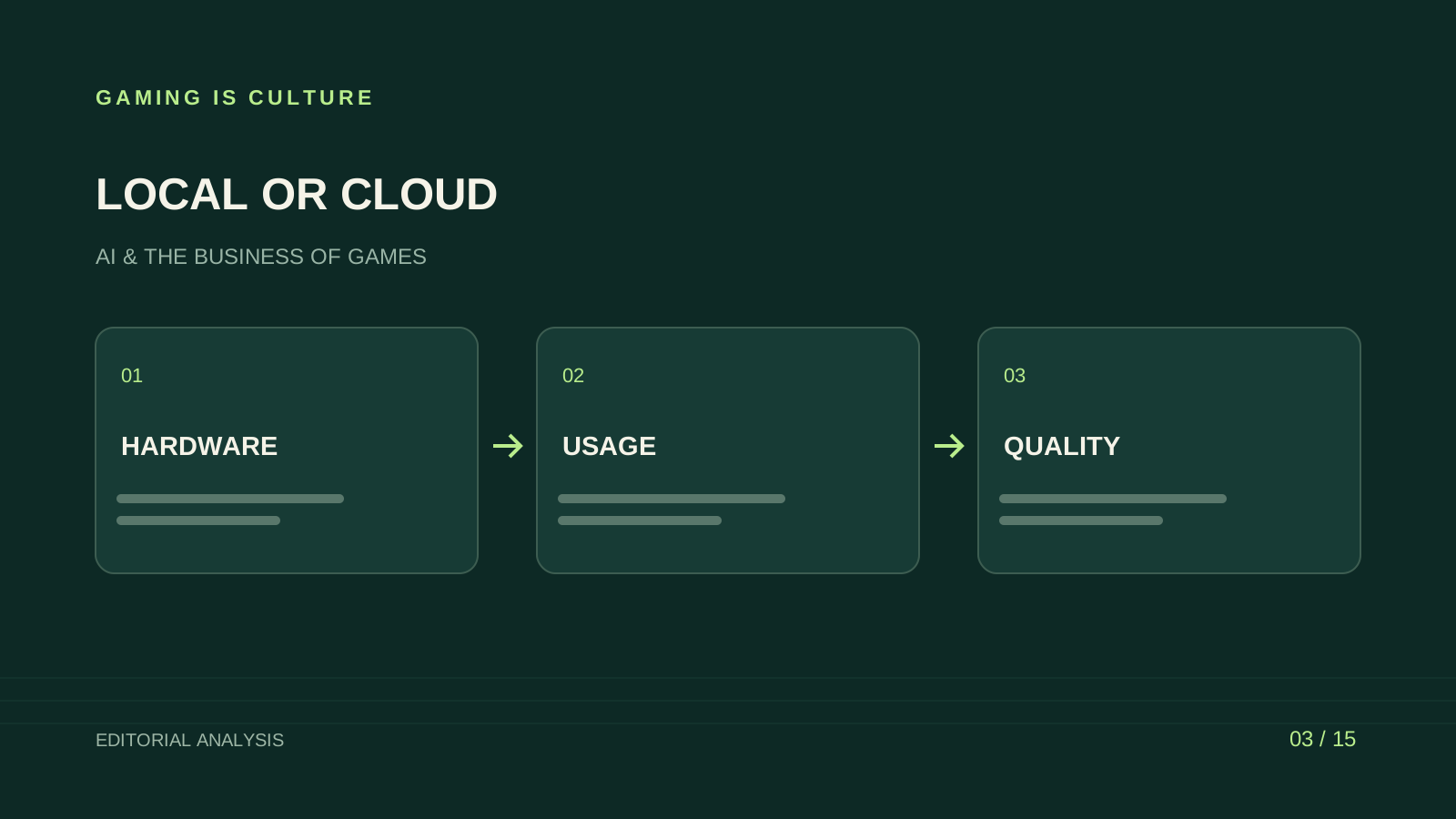
Running an AI model on your own computer replaces a usage invoice with equipment, electricity and maintenance costs. A cloud service replaces much of that local setup with a subscription or metered bill. Your cheaper option depends on the workload, the quality you need and how often the machine would be working.
A studio using an assistant for occasional production documents has a different calculation from a creator generating media every afternoon. Start with the work and measure an accepted output on both routes. The calculations in this article are illustrative budgets, with chosen assumptions clearly separated from vendor prices.
Separate subscriptions from metered services
A hosted chat application may charge a fixed monthly fee with usage limits. An API generally meters the resources used by your application, such as input and output tokens, tool calls or generated media. A rented cloud GPU may bill for reserved time even while your process waits.
These arrangements need different comparisons. A $20 chat subscription isn't equivalent to a server that handles requests from thousands of players. A cloud GPU running a custom model also carries setup and maintenance work, even though the hardware sits in another company's building.
Write the billing unit beside every price. Record whether the quote covers one person, one machine-hour, a million tokens or a set of generation credits. Otherwise your spreadsheet can compare unrelated amounts and still look precise.
Inventory the computer you already own
Your current workstation may handle a smaller local model without a new purchase. Record system memory, graphics memory, storage, operating system and the other work the machine performs. Model weights are only one part of the memory requirement; runtime overhead and the amount of conversation retained also matter.
A model that starts successfully may become slow when another application uses the GPU. A game developer compiling shaders or rendering footage could lose productive time if inference competes for the same resources. Include that conflict in the trial.
NVIDIA lists 32 GB of graphics memory for its RTX 5090. That specification describes capacity, not a guarantee that a chosen model will fit or meet your speed target. NVIDIA's product page is a source for the hardware specification; obtain a current system quote before building a purchase budget.
Measure quality before calculating savings
Choose tasks with a clear acceptance standard. For a production assistant, use an approved document summary or structured ticket draft. For a coding assistant, use the same isolated change and review process. For an internal knowledge tool, include questions with known answers and questions the system should decline to answer.
Measure elapsed time, reviewer corrections and the proportion of outputs accepted. A local model that costs less per request can become expensive if it needs much more correction. A larger cloud model can also be poor value when a small local model handles the task reliably.
Keep the input set and evaluation rules stable. If you improve the prompt for one route, apply an equivalent improvement to the other where possible. Record model versions and settings so you can understand later changes in results.
Calculate local electricity from the wall
For an illustrative system, assume average measured consumption of 450 watts while doing the workload, four hours of use per day, twenty-two days per month and an electricity rate of $0.20 per kilowatt-hour. The calculation is 0.45 × 4 × 22 × $0.20, or $7.92 per month.
This is a chosen example, not a measurement of a particular workstation or a quoted utility rate. Measure your full system with suitable equipment and use your own marginal electricity rate. A component's rated maximum power doesn't tell you the computer's average consumption during your workload.
If the machine remains on all day, include relevant idle use. If additional cooling is required, account for it where material. Electricity can be a modest part of the total while staff time and equipment dominate, but that relationship depends on the system and usage pattern.
Add the cost of owning the equipment
Suppose a dedicated local workstation costs an illustrative $2,400 and the studio spreads that cost over twenty-four months for planning. The allocation is $100 per month before resale value, financing or tax treatment. Add the modeled $7.92 in electricity and two hours of maintenance at $40 per hour, bringing the example to $187.92 per month.
A workstation you already own requires another approach. Buying cost may be sunk, while using the machine still has opportunity cost, wear, power and staff effort. Keep a cash view and an economic view so the team can see both the new spending and the resources being consumed.
Don't describe the planning allocation as an accounting rule. Your accountant may use different depreciation and expense treatment. The model exists to compare production choices with explicit assumptions.
Build a cloud budget around the whole request
For a hypothetical text workload, assume one million input tokens at $1 per million and two hundred thousand output tokens at $4 per million. The modeled token charge is $1.80. These rates are assumptions for demonstrating arithmetic, not a current quotation for a named model.
Now add the components your workflow uses: retrieval, storage, tool calls, retries and any minimum platform fee. For media generation, use the vendor's media billing unit. For a rented GPU, include startup, idle and unsuccessful experiments.
Cloud can be attractive at low utilization because you avoid buying equipment for a workload that occurs briefly. It can become expensive under sustained use, lengthy contexts or heavy retry rates. Estimate a normal month and a busy release month before choosing.
Find the break-even point without hiding differences
Let local monthly cost equal fixed ownership and maintenance plus variable use. Let cloud cost equal its fixed fees plus the bill for equivalent accepted work. Break-even occurs where those totals meet, provided both routes satisfy the same quality and speed requirements.
For an illustrative comparison, local fixed cost is $180 per month and cloud variable cost is $0.06 per accepted task. If local variable cost is $0.01 per accepted task and there are no cloud fixed fees, break-even is $180 divided by $0.05, or 3,600 accepted tasks per month.
Change the quality requirement and the answer can move. If local review requires another minute per task, the apparent saving may disappear. State the task definition alongside the threshold. Token counts alone can conceal differences in usefulness.
Local deployment needs a privacy check
Keeping model inference on your hardware can reduce the need to send prompts to a hosted inference service. Your surrounding workflow may still use cloud search, synchronized folders, telemetry, extensions or external tools. Inspect those paths before describing the setup as offline.
Ollama documents both local and cloud operation, including a way to disable cloud features. That makes configuration part of the privacy decision. Ollama's documentation is the appropriate starting point for checking the selected mode.
Apply ordinary access controls to local material. A shared computer containing confidential prompts, support records and model logs still needs appropriate permissions, retention and backups. Location alone doesn't establish safe handling.
A modeled studio workload
Consider a four-person studio preparing weekly build summaries, internal issue triage and occasional code explanations. It already owns capable development PCs. A local experiment could begin on nonconfidential sample documents, with a developer tracking setup and review effort.
The team can compare a fixed cloud budget against the local workflow over the same task set. During a rendering-heavy week, it records whether inference delays other work. During a quiet week, it records whether the local machine sits unused while the cloud route incurs almost no variable spending.
If both routes are useful, a hybrid arrangement may fit. Routine internal classification can run locally, while difficult tasks use a controlled cloud workflow. The handoff needs explicit data rules so confidential material doesn't leave the local route by accident.
Reliability has a price on both routes
A local workstation can fail or become unavailable while someone works on the game. A cloud service can change models, experience outages or impose limits. Set a fallback that preserves the task even when assistance is unavailable.
For internal documents, the fallback may be ordinary manual work. For player-facing features, you need a designed response when inference is delayed or unavailable. A game's core progression shouldn't depend on an unbounded wait for a generated sentence.
Track maintenance ownership. Someone must update dependencies, review model licenses, investigate failures and answer questions about data handling. If that person is the studio's only gameplay programmer, the time tradeoff belongs in the decision.
Compare the same confidentiality requirement
A cost comparison can become misleading when one route is evaluated under stricter data rules than the other. If the studio needs to keep an unreleased script within a controlled environment, both proposals should meet that requirement before their prices are compared.
Document the information entering the system and the places it can be stored. Include prompts, generated output, logs, backups and connected search tools. For a hosted route, review the relevant service terms and account configuration. For a local route, inspect synchronization and external connections.
A studio may choose a more expensive route because it meets a required control or offers a more practical audit process. Record that reason explicitly. It belongs beside the cost estimate so a later buyer doesn't remove an essential condition while chasing a lower invoice.
Test a busy production day
A local setup should be evaluated while the workstation performs its ordinary work. Run the selected assistant task during a representative build, capture or editing session and record the effect on both jobs. Use suitable nonproduction material for the experiment.
The result can reveal a scheduling option. Overnight batch work may fit a machine that is busy during the day, provided the outputs can wait and someone can inspect failures. Interactive coding assistance needs a different response pattern.
Cloud evaluation needs the same realism. Test the intended network, account limits and peak period. Record delays and the fallback required. A service that feels responsive during a quiet demonstration may behave differently when the team runs its normal workload.
Use these observations to revise the ownership and support budget. The cheapest theoretical configuration may require work patterns your team can't maintain. A practical choice fits the production schedule and preserves a route to finish essential tasks when the assistant is unavailable.
Choose the route that fits utilization
Local inference becomes easier to justify when the hardware is already available, the workload is steady, the selected model meets your quality target and the team can maintain it. Cloud becomes easier to justify when demand is irregular, the required capability changes quickly or avoiding hardware ownership has clear value.
A small studio can begin with a limited cloud allowance while measuring demand. A team with suitable hardware can run a bounded local trial before buying another machine. Both approaches preserve the option to change direction after observing accepted work.
Use the same final question for either route: what does a dependable, reviewed output cost under your workload? The answer includes equipment, people and failures as well as the line on the vendor's pricing page.
Sources and method
This is a planning analysis with hypothetical electricity, labor, hardware and API rates. It contains no hardware benchmark, electricity measurement or claim that a named model achieves a stated throughput. NVIDIA and Ollama are linked for their own product specifications and configuration guidance. OpenAI API pricing and Gemini API pricing show current vendor billing categories to consult when replacing the illustrative rates with a purchase-specific estimate. Checked November 10, 2026.
Sources and further reading
Source-based reporting and analysis. Research checked November 10, 2026.