The takeaway
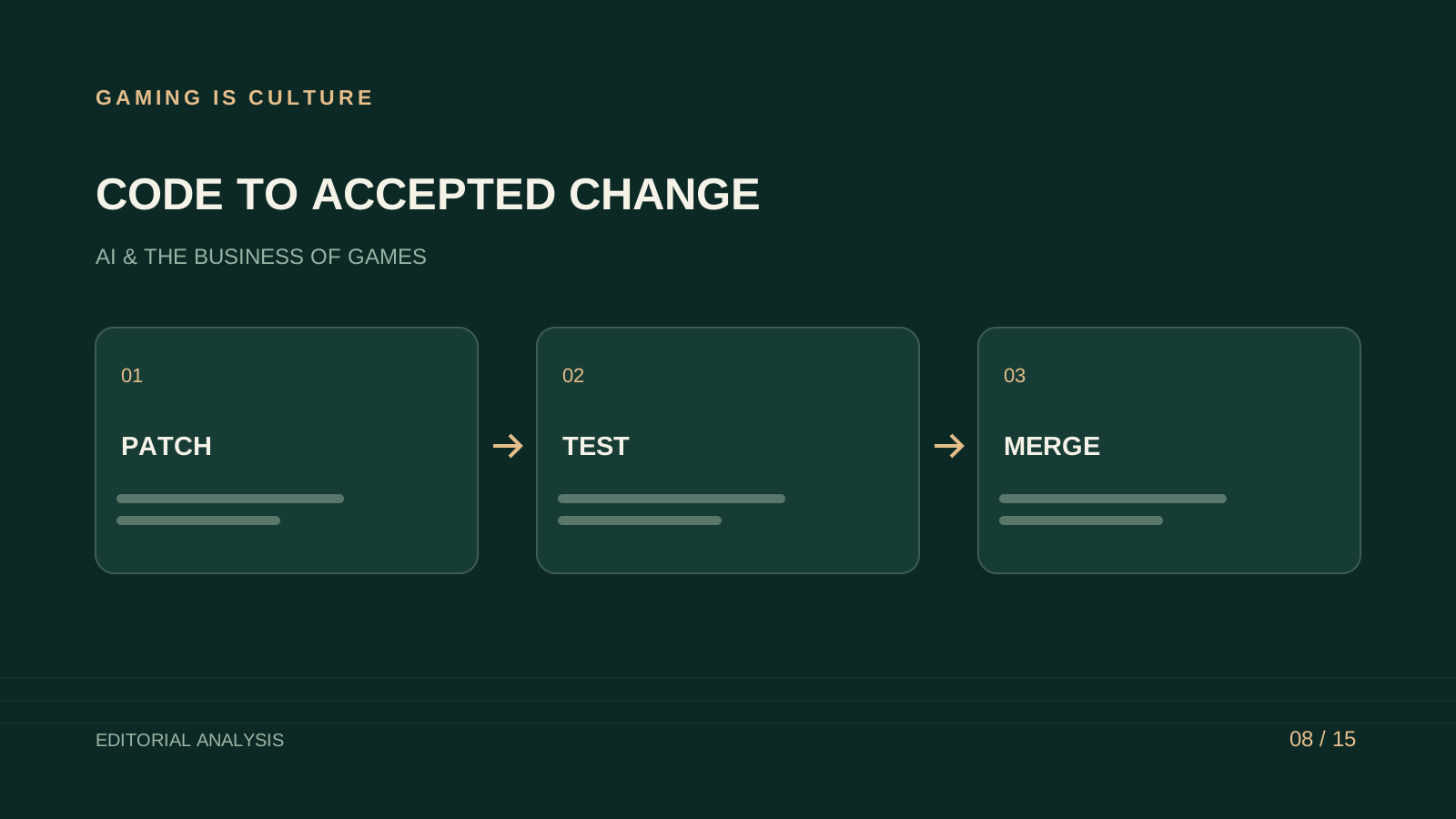
A coding assistant can produce a plausible patch quickly. A game team needs that patch to work inside its engine version, respect existing systems and remain understandable after the tool finishes. The useful productivity measure includes review, testing and integration.
This article examines how to evaluate coding assistance on game-development work and what the available research can support. It contains no claimed Gaming Is Culture benchmark or invented timing result. The trial design and cost examples are proposals a studio can adapt to its own project.
Start with a contained engine task
Choose a change with a clear expected behavior: a settings toggle that survives a restart, a data validator or a small editor utility. Give the assistant the engine version, relevant files and the project's conventions.
Keep the first task away from broad architecture changes. A small patch is easier to review and helps reveal whether the tool understands the available APIs. It also gives the team a manageable rollback if the proposed implementation is unsuitable.
Write the acceptance conditions before the agent begins. The settings toggle might need keyboard and controller access, correct default behavior, persistence and an appropriate fallback for missing data. A label appearing in the editor is only part of that job.
Compare the interface you intend to deploy
An inline suggestion tool, a chat assistant and a repository agent offer different workflows. One completes a few lines while another can inspect files, edit several modules and run commands. Their costs and supervision needs differ.
Record the product, model, interface and available tools in your trial. If an assistant can't launch the engine or test on the target platform, state that limitation. An external test runner may validate code behavior without covering rendering or controller navigation.
Keep the source of evidence visible. The assistant should distinguish tests it ran from tests it recommends. A report that says a feature should work provides less evidence than a recorded check under the intended conditions.
Price the seat and the additional use
GitHub's official documentation lists Copilot Pro at $10 monthly, Pro+ at $39, Business at $19 per granted seat monthly and Enterprise at $39. The plans have different allowances and administration. GitHub's plan documentation is the source for these prices checked November 10, 2026.
Other assistants may include coding access inside a broader subscription or meter usage separately. Check the intended authentication and billing arrangement. A personal chat purchase doesn't establish the cost of a team automation running through an API.
For procurement, record seat count, usage allowance, overage behavior and administration requirements. A studio should know who can authorize additional spending and how a contractor's access is removed.
Measure time to accepted change
Begin timing when the developer prepares the task and source context. Include clarification, generation, inspection, manual repair, tests and reviewer discussion. Stop when the change meets the acceptance conditions.
Compare with similar unassisted tasks where practical. Repeating a task after solving it introduces learning effects, so avoid presenting that sequence as a clean experiment. A small internal study can still be useful when its limits are stated.
Track rejected attempts. A tool that succeeds on two tasks and creates hours of confusion on a third needs a result that includes all three. The team's budget pays for unsuccessful attempts as well as accepted patches.
Engine code has context that examples omit
A code fragment can be syntactically correct while using the wrong engine lifecycle, input system or serialization behavior. A generated solution may assume a package your project doesn't use.
Require the assistant to inspect existing patterns and preserve them where appropriate. Give it access to current project documentation and the specific files needed for the task. Avoid asking it to infer an entire architecture from one method.
Review behavior on the target platform. A desktop editor success doesn't establish console performance, mobile memory behavior or compatibility with older saves. The acceptance checklist should reflect the game's intended release.
Tests need independent expectations
An assistant can write a test that simply repeats its own mistaken assumption. Define expected behavior from the design or a known bug before asking for implementation.
For an inventory calculation, include a boundary such as an empty collection, a full stack and an invalid item identifier. For a settings change, test startup with no saved file and with an older file. These cases describe behavior players can encounter.
Unity's Test Framework supports Edit Mode and Play Mode testing. A team using Unity can choose the mode appropriate to the behavior, while still performing the platform and experience checks the automated suite doesn't cover. Unity's testing guide explains those modes.
Read productivity research with its boundaries
METR reported a slowdown in the setting of its early-2025 experiment. In February 2026, the researchers explained why selection and measurement issues made a later experiment unreliable for estimating the current effect. A game team's own engine and task mix still need evaluation. METR's research update provides the context.
These results don't identify the best tool for your engine project. They demonstrate the value of measuring complete work and the difficulty of generalizing from selected tasks and participants.
Your studio can draw a practical lesson: compare the assistant on representative changes and include the work needed to accept them. Treat vendor demonstrations and developer impressions as leads for a trial.
A modeled monthly cost
Suppose a developer uses an illustrative $20 assistant plan and spends two hours monthly maintaining instructions and resolving tool issues. At a chosen $50 hourly planning rate, the combined cost is $120 before other usage.
If the workflow frees four hours of necessary work, the modeled capacity value is $200, leaving an $80 economic benefit. If it frees one hour, the model doesn't support the same conclusion. The subscription rate in this example is an assumption, not a quote for a named coding product.
Keep cash savings separate. A salaried developer gaining time can improve output without reducing payroll. A contractor finishing accepted work in fewer billed hours may reduce an invoice, depending on the agreement.
Review code ownership and dependencies
Generated code can introduce a new package, copy a familiar pattern or contain an unexpected license notice. The team still needs ordinary dependency and provenance review.
Ask for an explanation of any new library and inspect its license, maintenance status and fit with the project. Avoid accepting a dependency simply because it makes the proposed patch shorter. Every package adds another component the studio may need to update.
Maintain source control and readable commits. A reviewer should be able to understand why a change exists and revert it without reconstructing a chat. Store important rationale in the project's normal records.
Keep secrets and production access outside the task
A coding assistant working on a local gameplay feature rarely needs release credentials, payment-system access or a full player-data export. Restrict its environment to the work being performed.
Inspect generated commands before allowing actions with broad consequences. A test process should use appropriate sample data and temporary resources. An engine tool that writes files needs a defined output location and a recovery path.
The team should also understand the product's data terms. A consumer account, a company workspace and a local model can have different handling arrangements. Choose the route that fits the code and information being shared.
A practical comparison packet
Prepare three tasks: an isolated bug, a small feature and a documentation change derived from code. Freeze the project version and provide the same relevant context for each tool.
For each run, record preparation time, implementation time, review time, accepted behavior and remaining defects. Add one follow-up revision so the team can see whether the tool preserves earlier decisions.
Use the results to assign suitable work. An assistant may be helpful for editor utilities and poor for a sensitive gameplay system. A task-specific adoption policy is more useful than requiring every developer to use the same tool for everything.
Include a save-compatibility case
A feature touching persistent data needs a test using the previous supported format. Prepare a small sample that represents an older save and define the expected behavior before implementation.
Ask the assistant to explain the migration and failure handling. The reviewer should check whether a missing field gets an appropriate default, whether invalid data is handled safely and whether the player can continue without losing unrelated progress.
Run the check with the project's ordinary tools. A generated explanation of compatibility isn't evidence that the migration works. Keep the sample and expected result in the test suite where practical so later changes can be checked again.
This task can reveal whether the assistant understands the surrounding system or merely adds a field to the newest data structure. It also gives the studio a useful example of the review depth required for persistent gameplay changes.
Evaluate a follow-up change
A coding assistant's first patch is only part of its usefulness. Production work often returns with a new requirement or a reviewer asking for a smaller implementation.
After accepting a trial change, ask for a related revision that should preserve the earlier behavior. For example, add a second input route to the settings control while keeping persistence and default handling intact. Record whether the assistant understands what must remain stable.
Inspect the diff for unrelated rewrites. A large replacement can make review harder and introduce new risk even when the requested behavior is small. Give the tool a clear scope and require an explanation when it needs to expand that scope.
Count the follow-up effort in the comparison. A tool that produces a fast first draft but struggles with revisions may be useful for prototypes and less suitable for an established system. The studio can assign work accordingly.
Preserve learning for newer developers
A junior developer using an assistant still needs to understand the change. Ask them to explain the data flow, failure cases and tests to a reviewer. The goal is an accepted patch and a teammate able to maintain it.
Use generated suggestions as material to inspect. Have the developer compare an API call with the engine's current documentation and identify what happens when the input is missing. That practice develops judgment while keeping the task bounded.
A team should avoid measuring progress solely through the volume of generated code. Readable changes, useful tests and understanding of the system contribute to future production capacity. Include those outcomes when deciding how coding assistance belongs in the studio's workflow.
Keep a small review checklist beside each trial patch. It can include the requested behavior, changed files, new dependencies, relevant tests and any platform check still outstanding. Ask the reviewer to identify the evidence for each completed item. If the assistant couldn't run a check, leave it visibly incomplete. This makes the comparison easier to audit and prevents an implementation report from becoming a substitute for release evidence. The checklist should remain short enough that the team uses it during ordinary production, with detail added when the change warrants it.
A result worth keeping
Retain the assistant when it improves accepted work and the team can explain its limitations. Keep patches small, expectations independent and platform checks tied to the release.
The strongest evidence is a record of changes your team reviewed, tested and shipped with manageable effort. That lets a studio budget coding assistance as a production tool and revisit the purchase when the evidence changes.
Sources and method
This is a researched evaluation guide with hypothetical cost examples. It contains no firsthand product ranking or fabricated test result. GitHub is cited for current prices, Unity for testing capabilities and METR for its research limitations. Sources checked November 10, 2026. Product features, usage and prices can change.
Sources and further reading
Source-based reporting and analysis. Research checked November 10, 2026.